Project T.H.R.U.S.T. Public 0.6.2
by Pinebrook Games · developer page
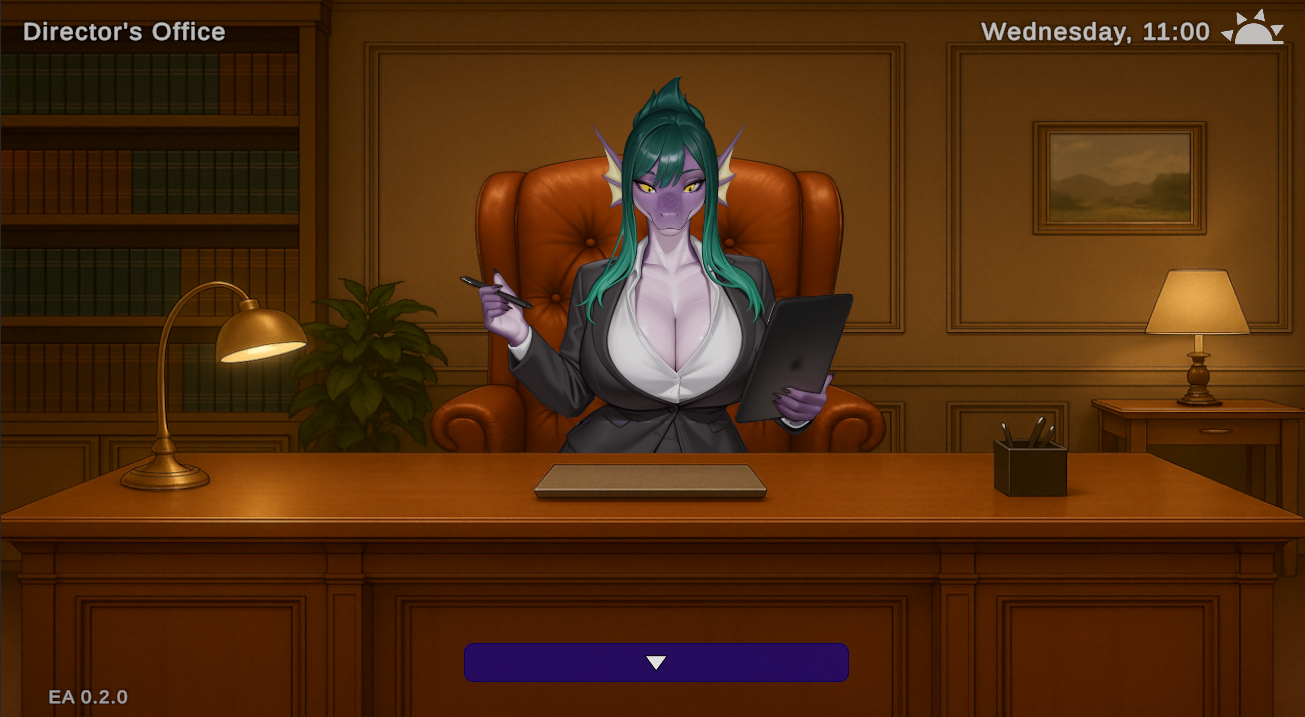
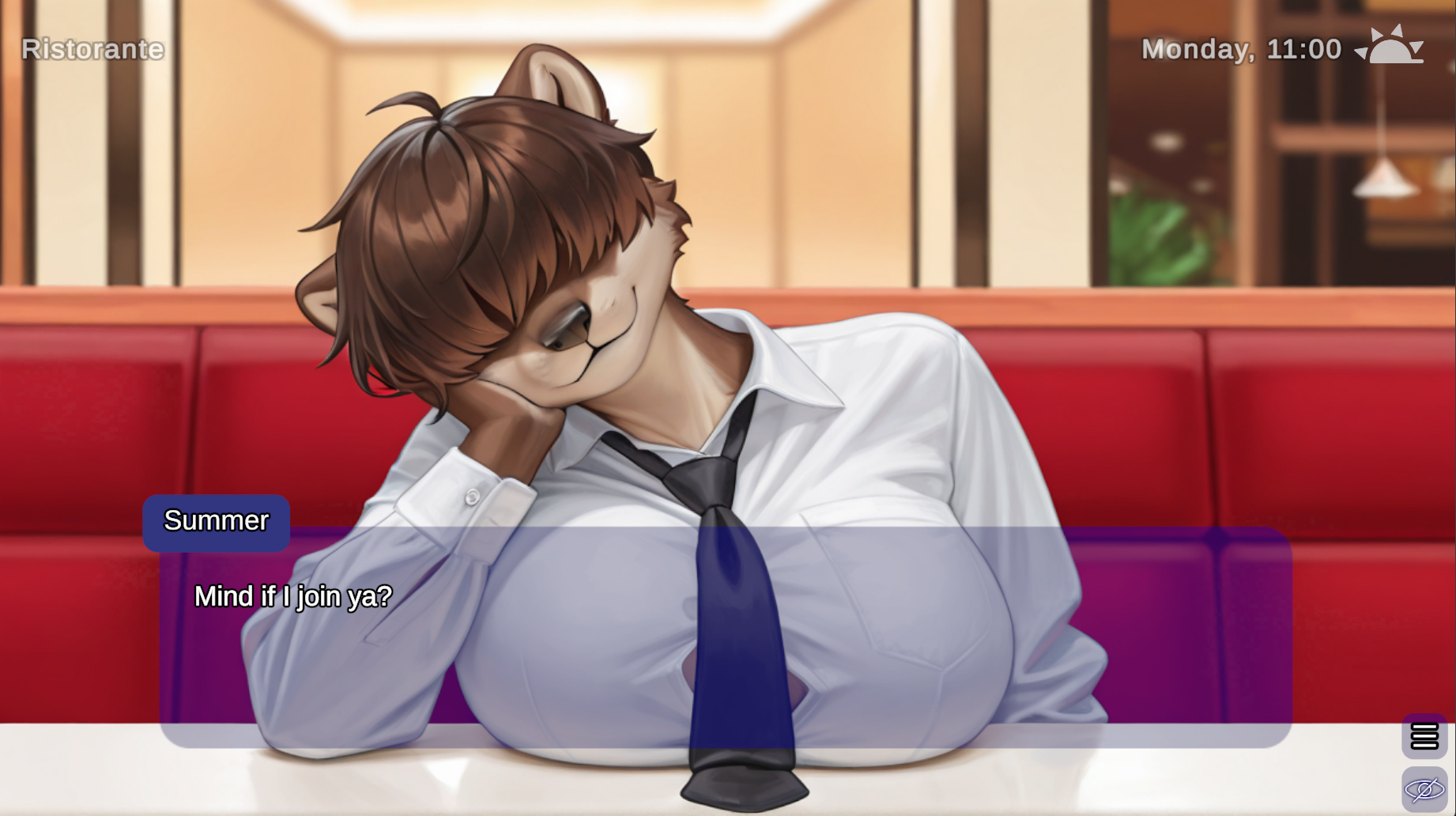
Adult furry visual novel where romance and societal collapse collide
Start your new job and a journey to save the furry world!
Images (6)
Links (1)
- itch https://pinebrook-games.itch.io/project-thrust-early-access v0.6.2 download for windowsdownload for android,
Adult furry visual novel where romance and societal collapse collide
StashlyVN Review
Project T.H.R.U.S.T. positions itself as an unusual premise: a narrative-driven adult visual novel set in a deteriorating society where intimate relationships become humanity's unexpected lifeline. Pinebrook Games frames the romantic and erotic content not as gratuitous backdrop, but as central to the world's salvation—a thematic choice that distinguishes it from standard dating sims.
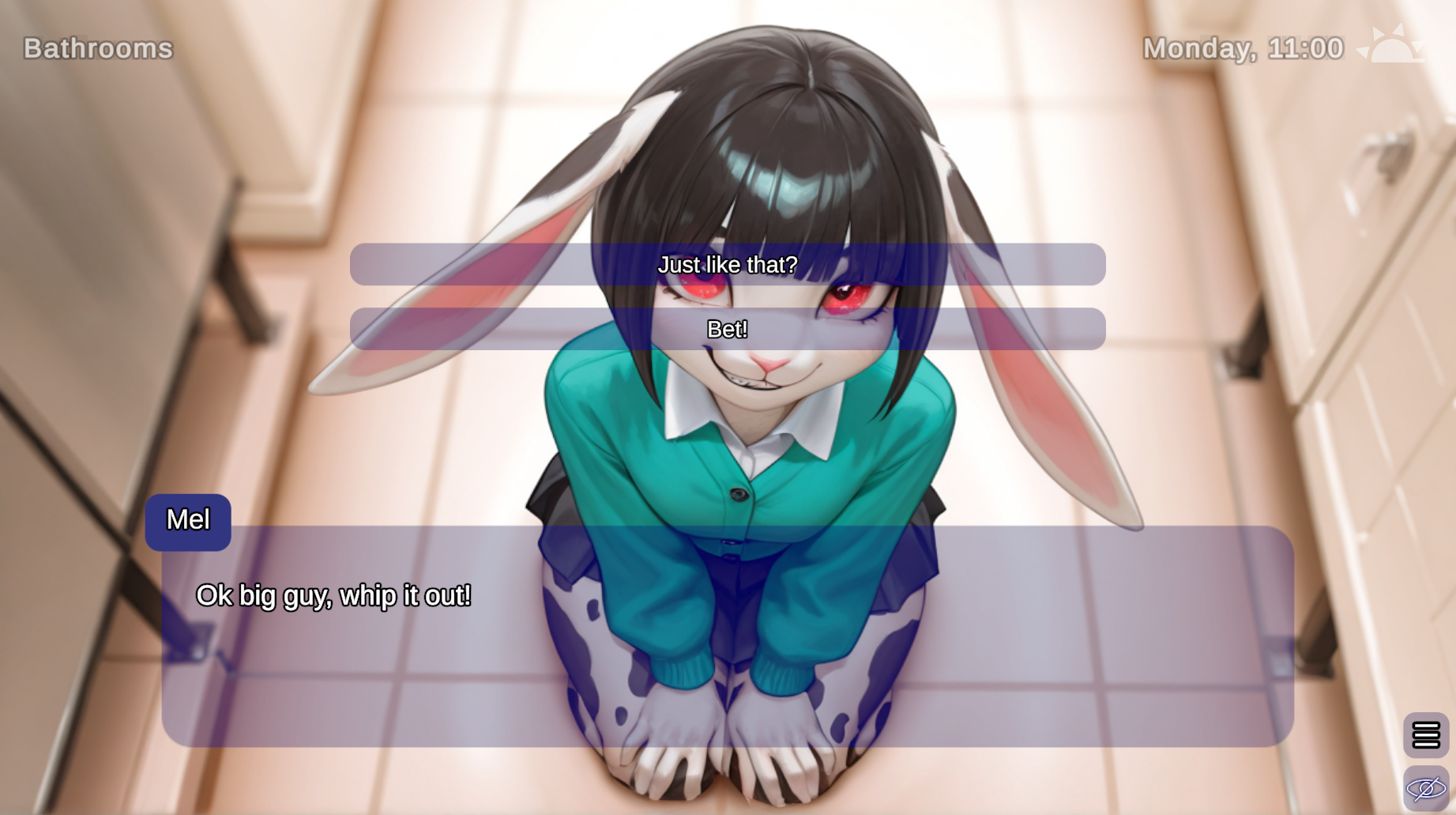
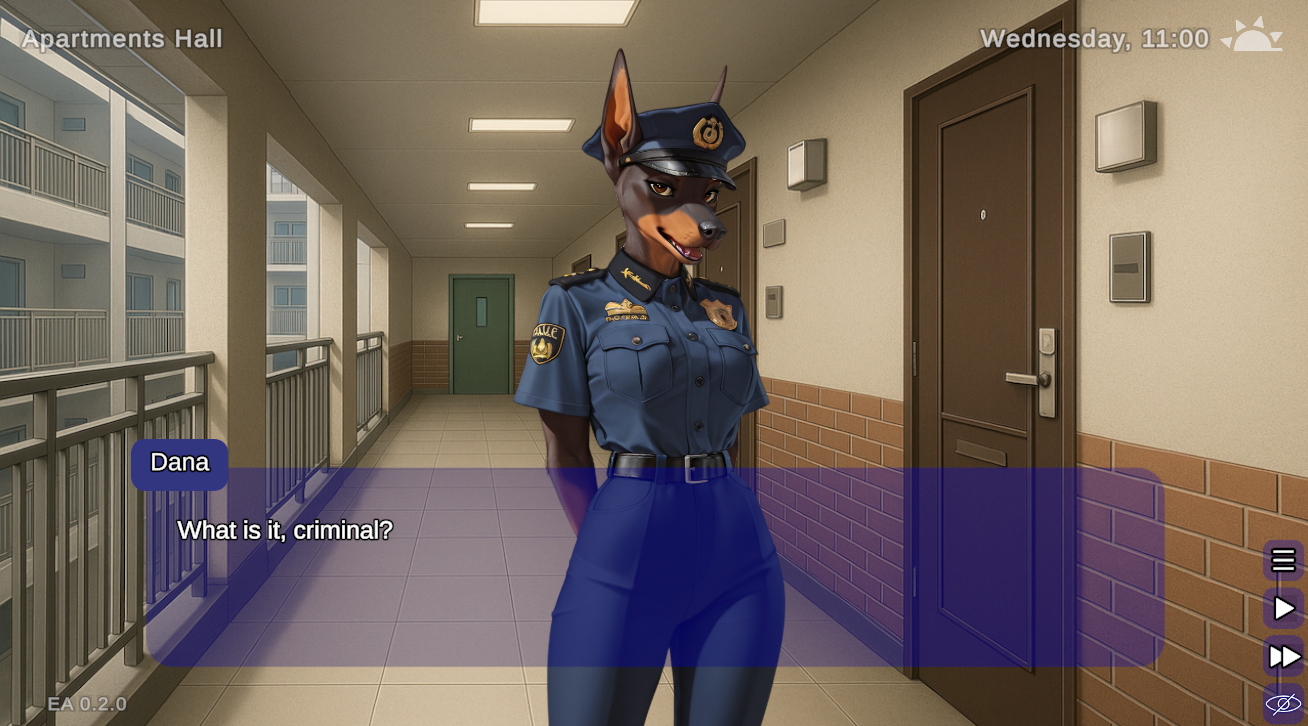
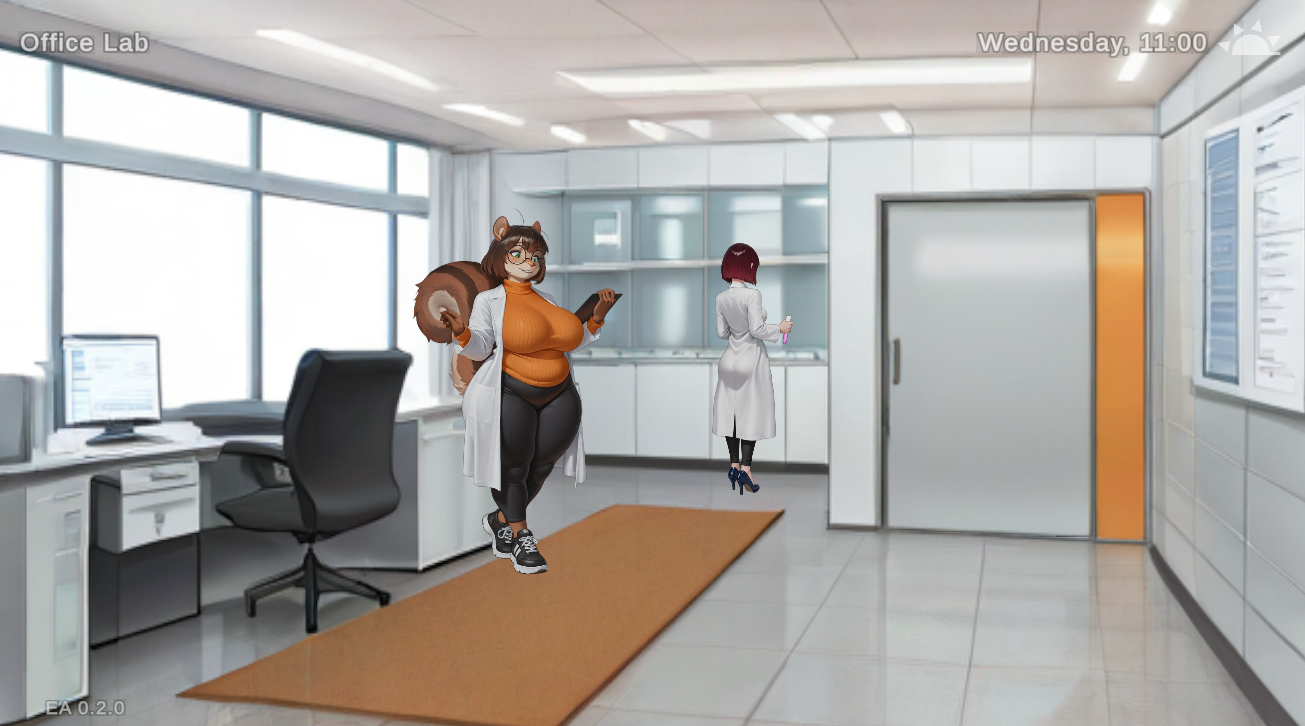
The game operates as a point-and-click visual novel with dating sim mechanics, tasking you with navigating workplace relationships and personal connections while the broader world destabilizes around you. The furry setting and character designs are integral to the experience, and the story-rich tag suggests substantial branching dialogue and character development beyond the adult content. Version 0.6.2 introduces localization infrastructure, allowing community translation efforts—a significant quality-of-life feature for a game still in development.
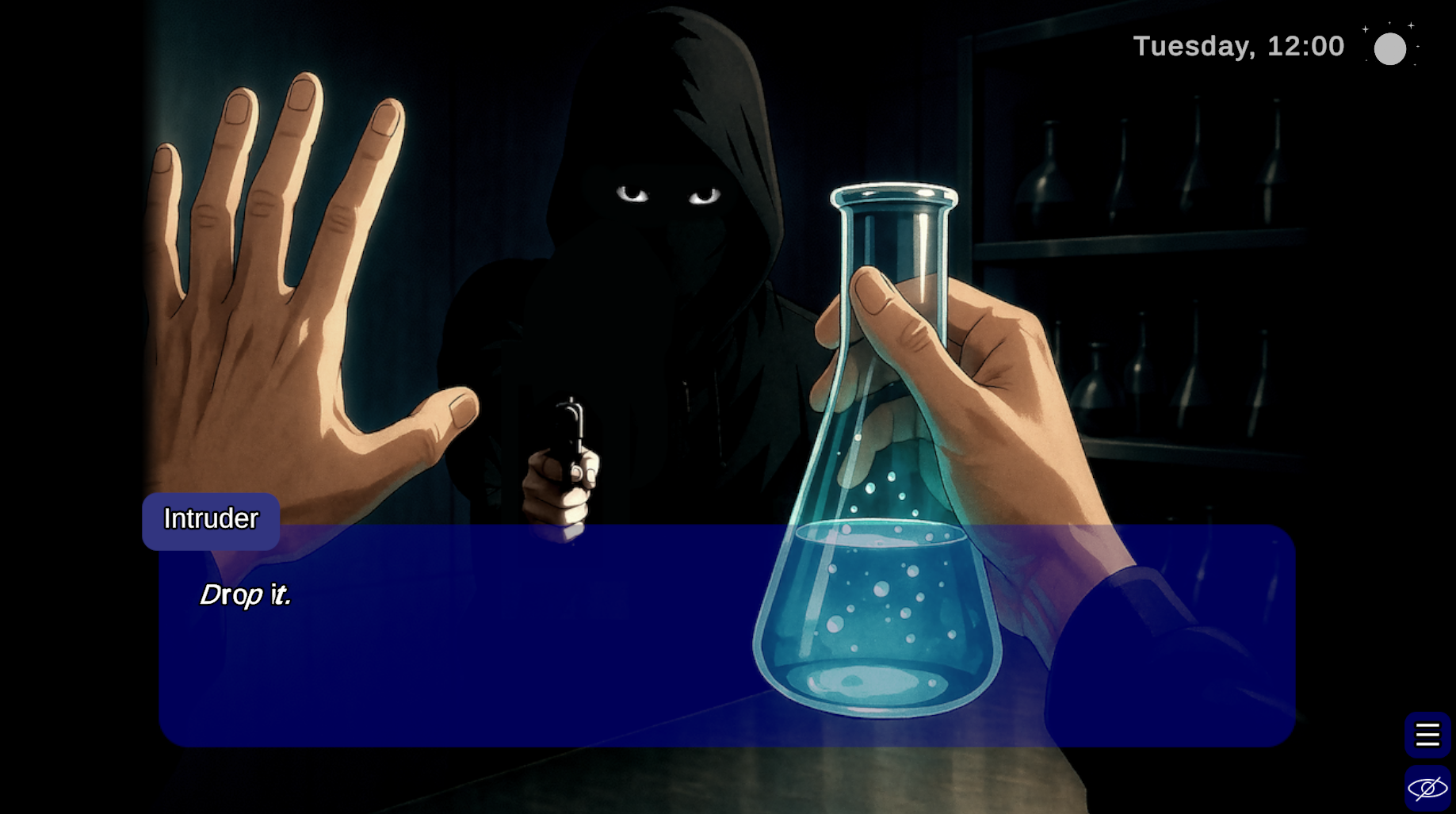
Explicit intimate scenes are embedded throughout, presented with maturity rather than comedic framing. The suspense tag hints at narrative tension woven through romance beats, suggesting the game aims for psychological engagement alongside erotic payoff. Pinebrook Games is actively developing the title and actively recruiting artists, indicating ongoing support and expansion. The game is available on Windows and Android, with a Steam release forthcoming.
As an early-access project (0.6.2), expect ongoing balance adjustments and story additions. Recent patches addressed save-file sorting, menu navigation glitches, and character profile assignment errors—typical polish work for a VN in active development.
Pros
- Thematic integration of adult content with world-building rather than incidental inclusion
- Story-rich branching narrative with suspense elements elevating typical dating sim structure
- Multiplatform support (Windows, Android) with cross-save functionality
- Community localization system enabling player-made language packs
- Active developer engagement with regular updates and feature additions
- Furry character design and aesthetic as intentional artistic choice, not afterthought
Cons
- Early-access status means incomplete story and potential balance changes
- Limited current platform scope before Steam release finalizes
- Requires manual file management for Android language pack installation
- Niche genre intersection (furry + adult VN) inherently limits audience
- Character profile bugs suggest QA gaps in larger narrative branches
Editorial summary generated from public metadata. Updated 4 months ago.
Info
- Updated
- 4 months ago
- Genre
- Visual Novel
- Platforms
- windows, android
- Author
- Pinebrook Games
- Version
- v0.6.2
- Source
- itch
- First indexed
- 4 months ago
Recent Comments (0)
Crickets so far. Drop the first take below — anonymous, no signup.